How it works
Turn a picture into a GameCube 3D model for free (inflated or voxel, in the browser)
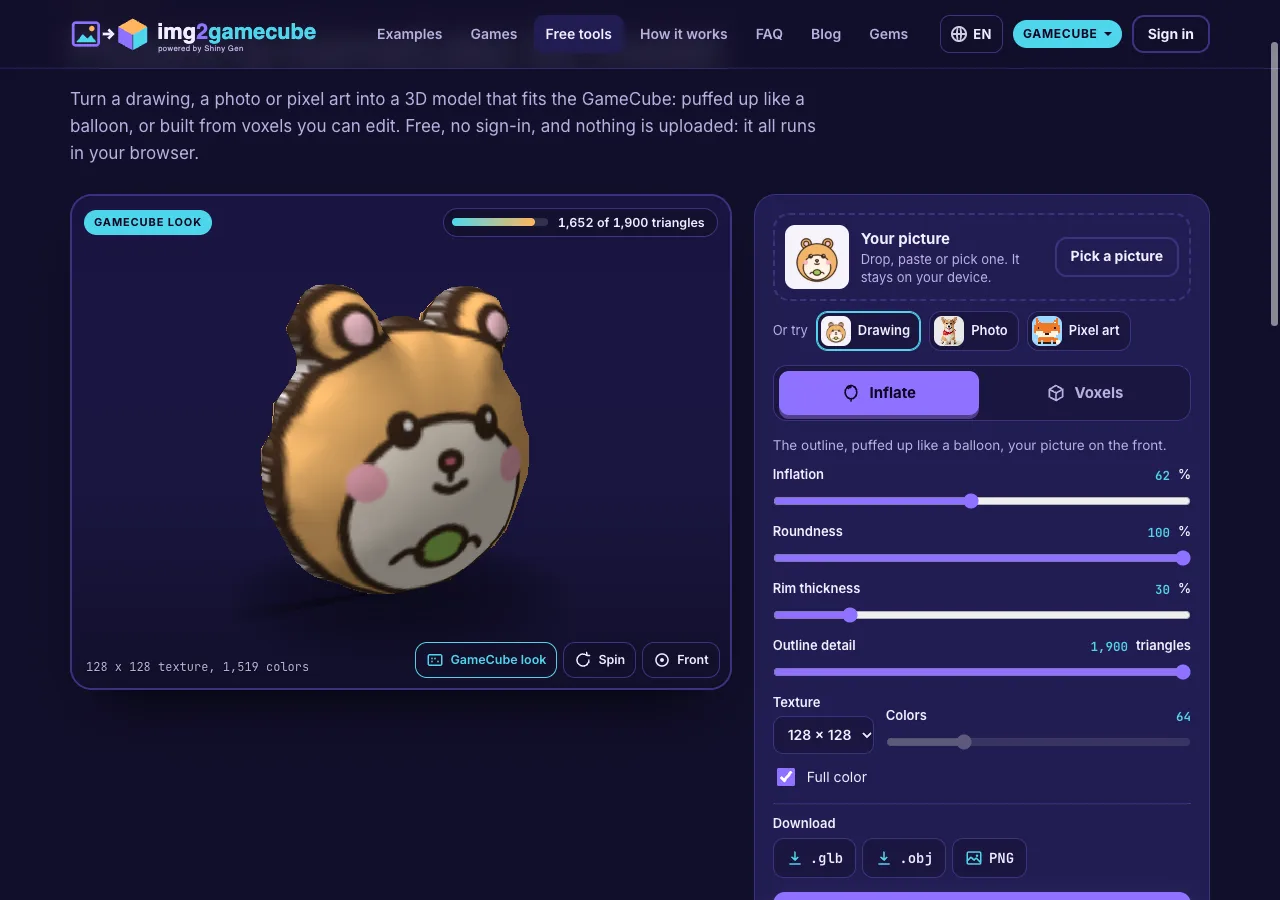
The free 3D model maker on img2gamecube.com turns one picture into a 3D model that fits the GameCube. Drop in a drawing, a photo or pixel art, choose Inflate for a smooth rounded figure or Voxels for a blocky one you can edit, and watch the model turn in the GameCube look. It can use up to 1,900 triangles and a 128 x 128 texture in full color. Download it as .glb, .obj, .vox or a PNG. It is free, needs no account, and your picture stays in your browser.
On this page
The short version
- Open the tool and add a picture: drop it, paste it, pick it, or try a sample.
- Pick Inflate or Voxels and move the sliders.
- Keep an eye on the triangle meter: it never goes past the GameCube's budget.
- Download the model, or press Make a game with it.
Inflate gives a soft, lit figure
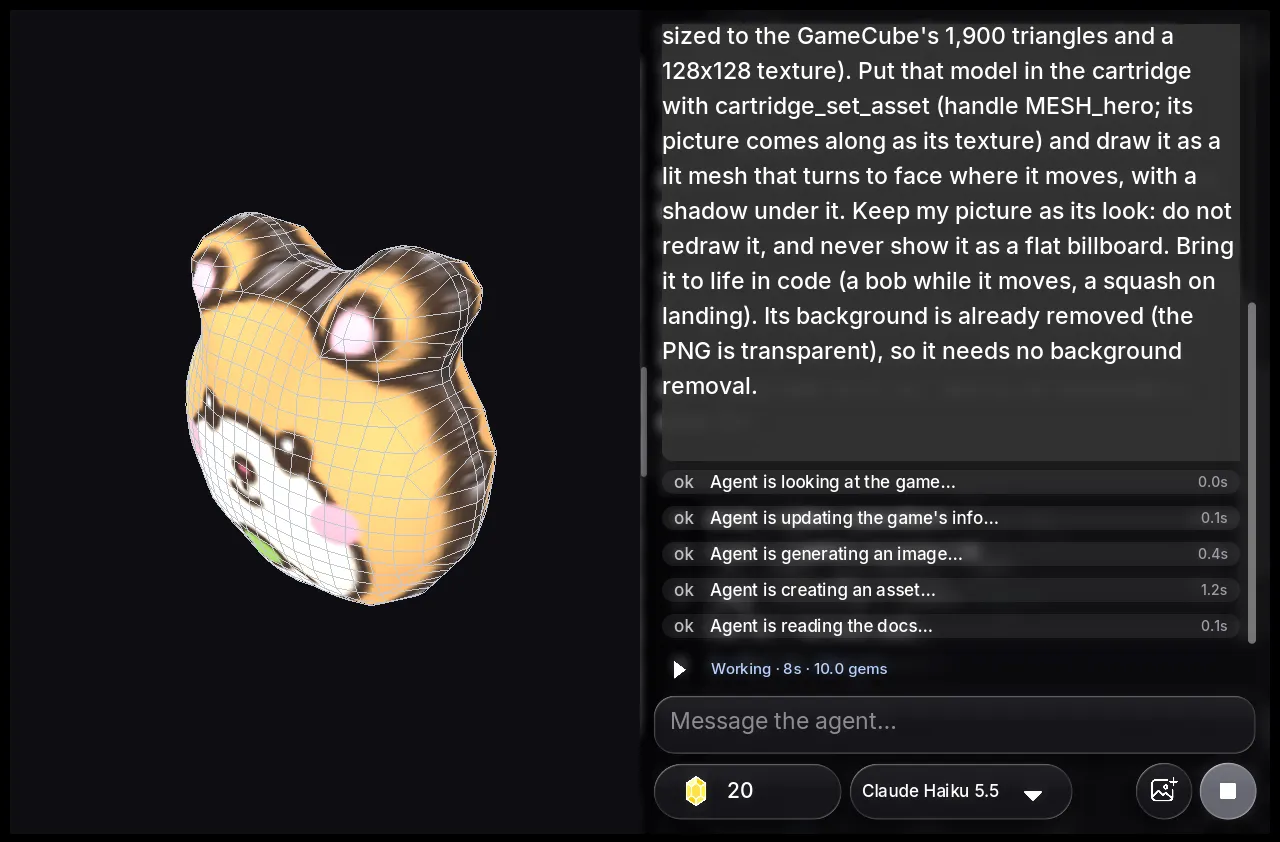
Inflate finds the outline of the subject, smooths it, and raises the inside by its distance from the edge, so a round face becomes a dome and an ear a thin cushion. The picture is mapped onto the front. On the GameCube the figure can have nearly three times the triangles of the N64 version, so the outline follows the drawing closely and the curve is smooth.
The texture is 128 x 128 in full color by default, the size img2gamecube's games give a model. You can choose 64 x 64 or 32 x 32, or limit the colors with Full color off.
The figure is built by the same steps as the free 3D figure in img2gamecube's studio, with the same numbers, and we test that both agree on a set of fixed pictures.
Voxels give a blocky model you can edit
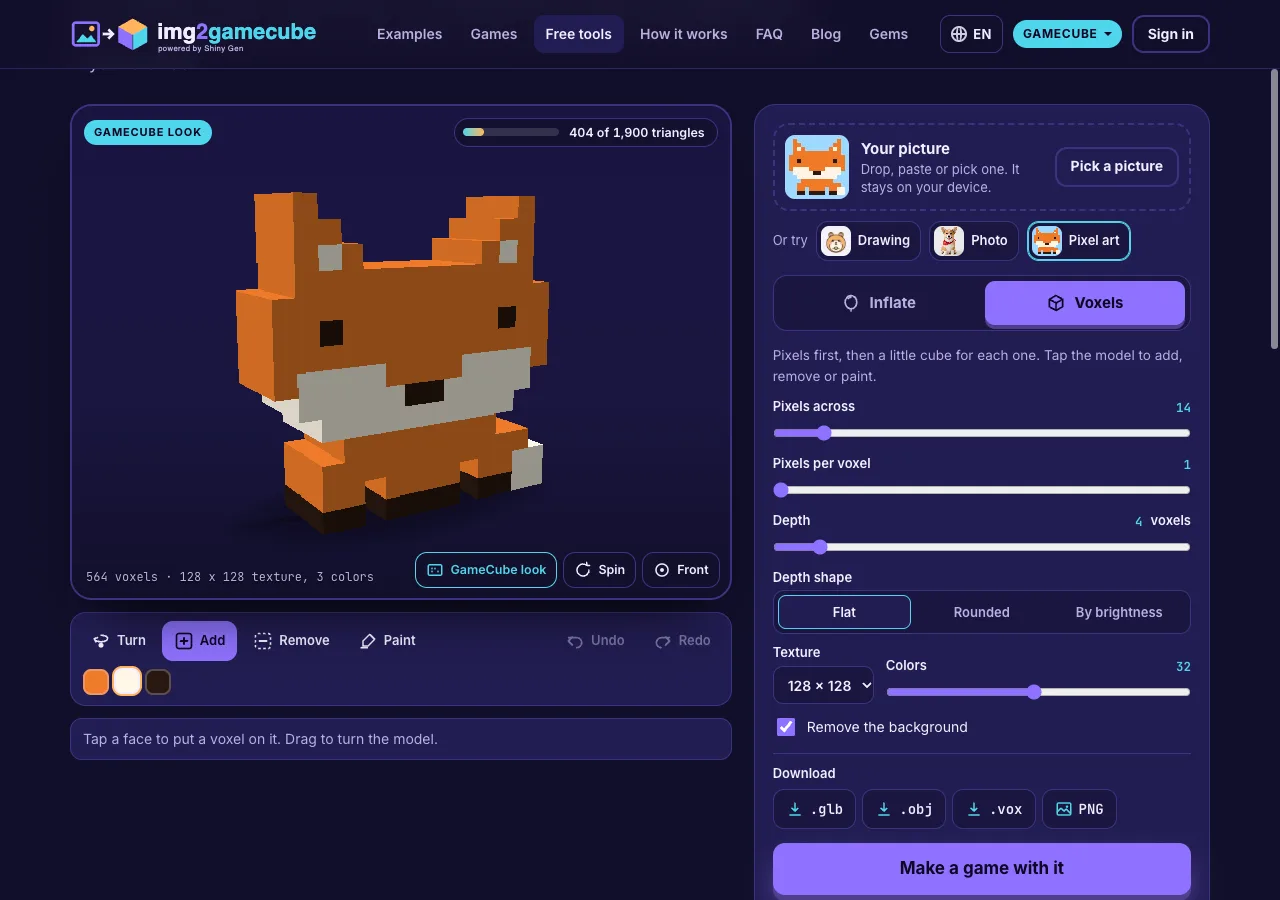
Voxels turns the picture into pixels first, with the fit and color reduction the img2 converters and the games use, and then raises a column of cubes from each pixel.
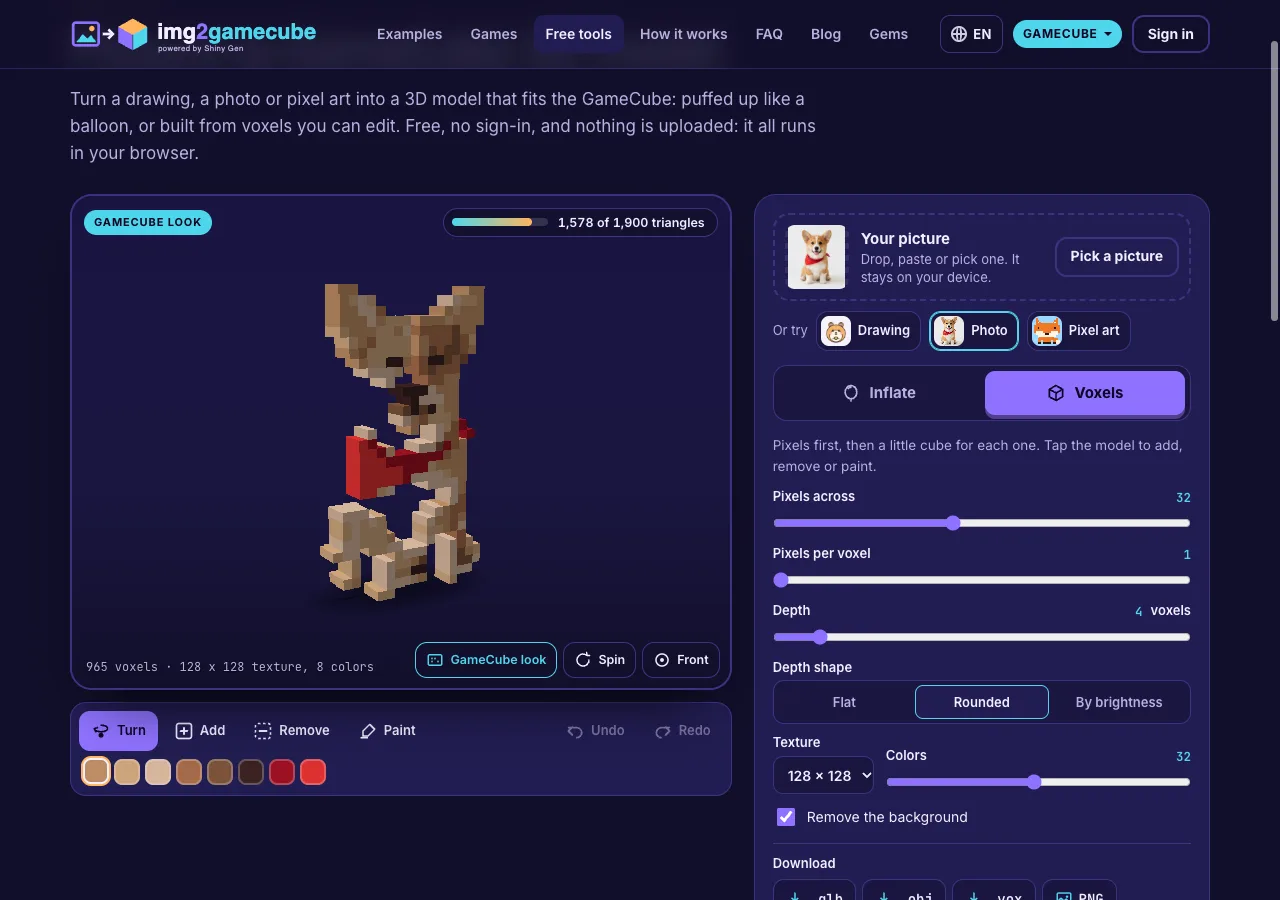
- Pixels across: the resolution, 8 to 64.
- Pixels per voxel: make the cubes bigger than one pixel.
- Depth: how many cubes deep, up to 32.
- Depth shape: Flat, Rounded (the same profile as Inflate) or By brightness (light pixels stand out).
- Colors: up to 64 for voxels.
- Remove the background: on by default.
Faces of one color in one plane are merged into bigger rectangles, and no edge is left with another face's corner on it, so the model is light and has no cracks.
To edit, choose Add, Remove or Paint and tap the model. Pick a color from the palette for adding and painting. Dragging still turns the model. Undo and Redo go back and forward. An edit that would take the model past 1,900 triangles is refused, with a message that says so.
What the GameCube takes
| Limit | What the tool keeps |
|---|---|
| Triangles in one model | 1,900 at most. Our GameCube cartridge builder cuts a model above 2,000. |
| Texture | Up to 128 x 128, full color. |
| Screen | The viewer draws at 640 x 480. |
Nothing you can set goes past these numbers, so a downloaded model goes into a GameCube game unchanged. We check it with models downloaded from the tool: through the img2gamecube cartridge builder, the inflated figure keeps all 1,824 triangles of our test picture and the voxel model all 1,670, each with its texture.
The GameCube look
The viewer renders at the GameCube's 640 x 480 with filtered textures and per-vertex light from the upper left, the way the console lights a model. GameCube look off gives a sharp view at your screen's own resolution.
Downloads
- .glb, one file with the texture inside, for Blender, game engines and 3D viewers.
- .obj in a zip with its .mtl and texture.
- .vox for MagicaVoxel, when you built voxels.
- PNG, a picture of the model as shown.
Make a game with it
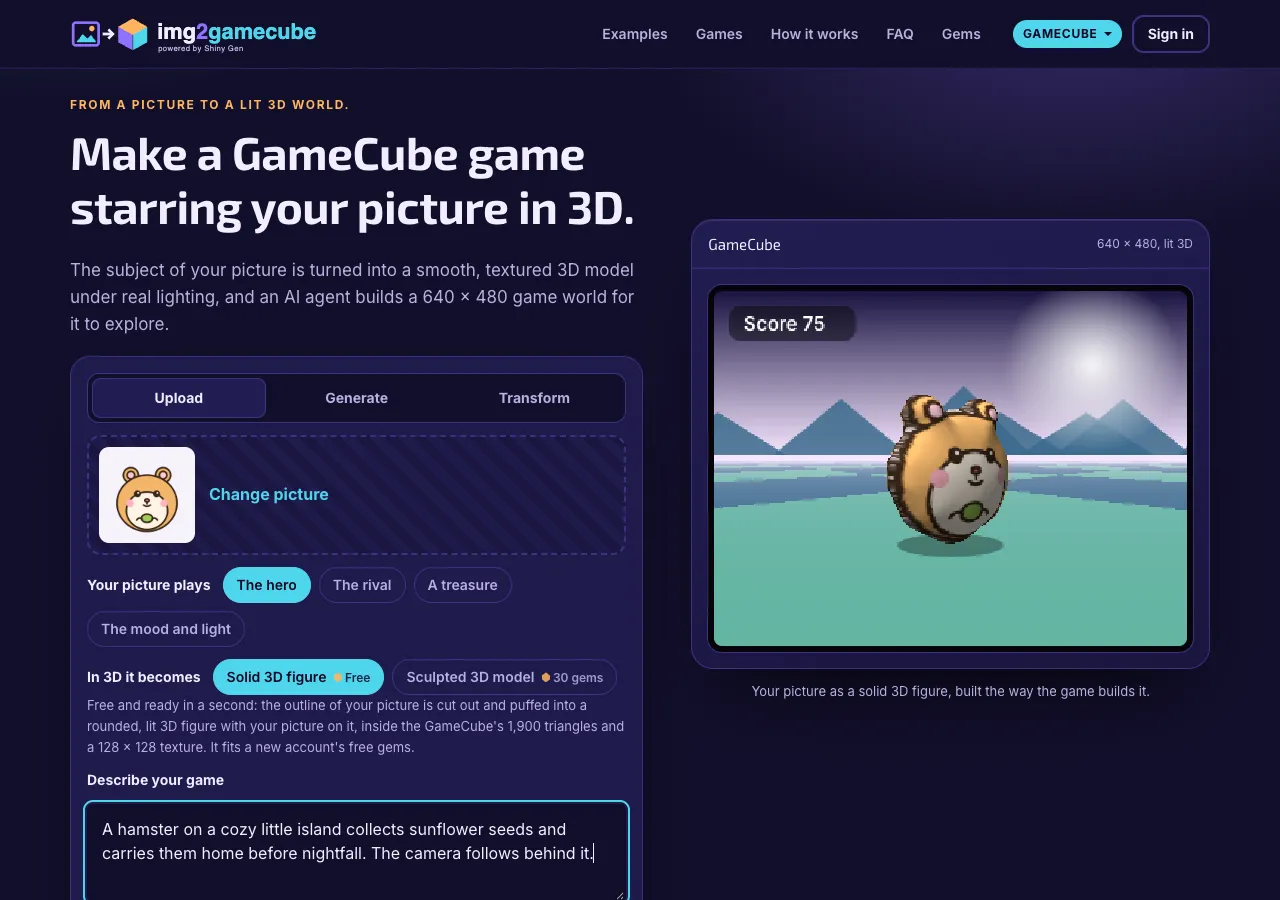
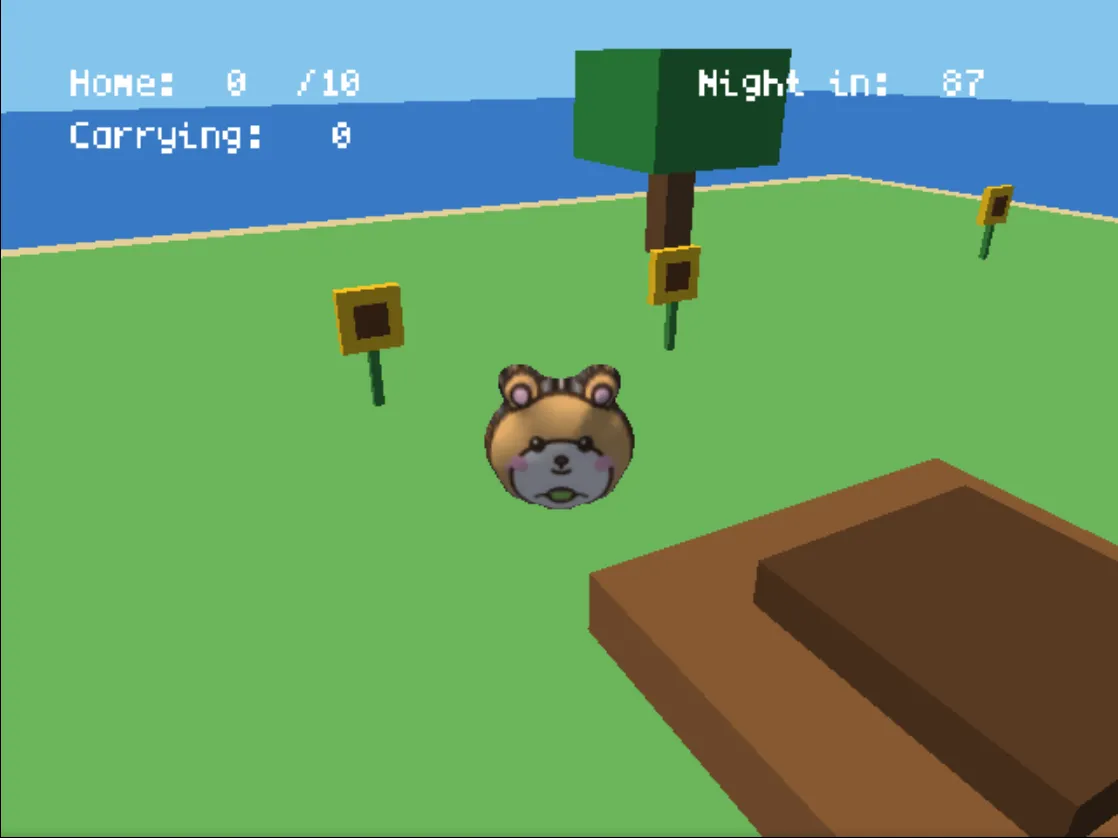
Make a game with it sends your picture to the start on img2gamecube.com. The game builds the same free inflated figure from it at the GameCube's settings, and an AI agent makes a 3D GameCube game around it (how that works). Your slider changes, and voxel models, stay in your download.
FAQ
Do I need an account?
No. The tool is free and works without signing in. Only making a game in the studio needs a Shiny Gen account.
Is my picture uploaded?
No. The model is built in your browser, and the downloads are made there too.
Why does the triangle count stop below 1,900 sometimes?
The outline is traced on a grid, and the finest grid that fits the budget may use a little less than all of it.
Can I open the .vox in MagicaVoxel?
Yes. The .vox keeps every voxel and its color from the palette you see in the tool.
Can I get more than 64 colors in voxels?
Not in this tool: a voxel model keeps its colors in one small palette texture, and 64 colors keep each color's patch clean on a 128 x 128 texture.
Further reading
Last updated: November 17, 2026